When viewing a model in the dashboard, it would be nice to have the option to turn off the labels. I have dozens of small objects in my images and the only thing I can see in this view is a mass of overlapping labels.
Hi @a1mm!
I completely agree. To turn off the labels when viewing the model preview, you can toggle “Draw Boxes” in the drop down menu under Label Display Mode. Please see the example screenshot below.
Happy building!
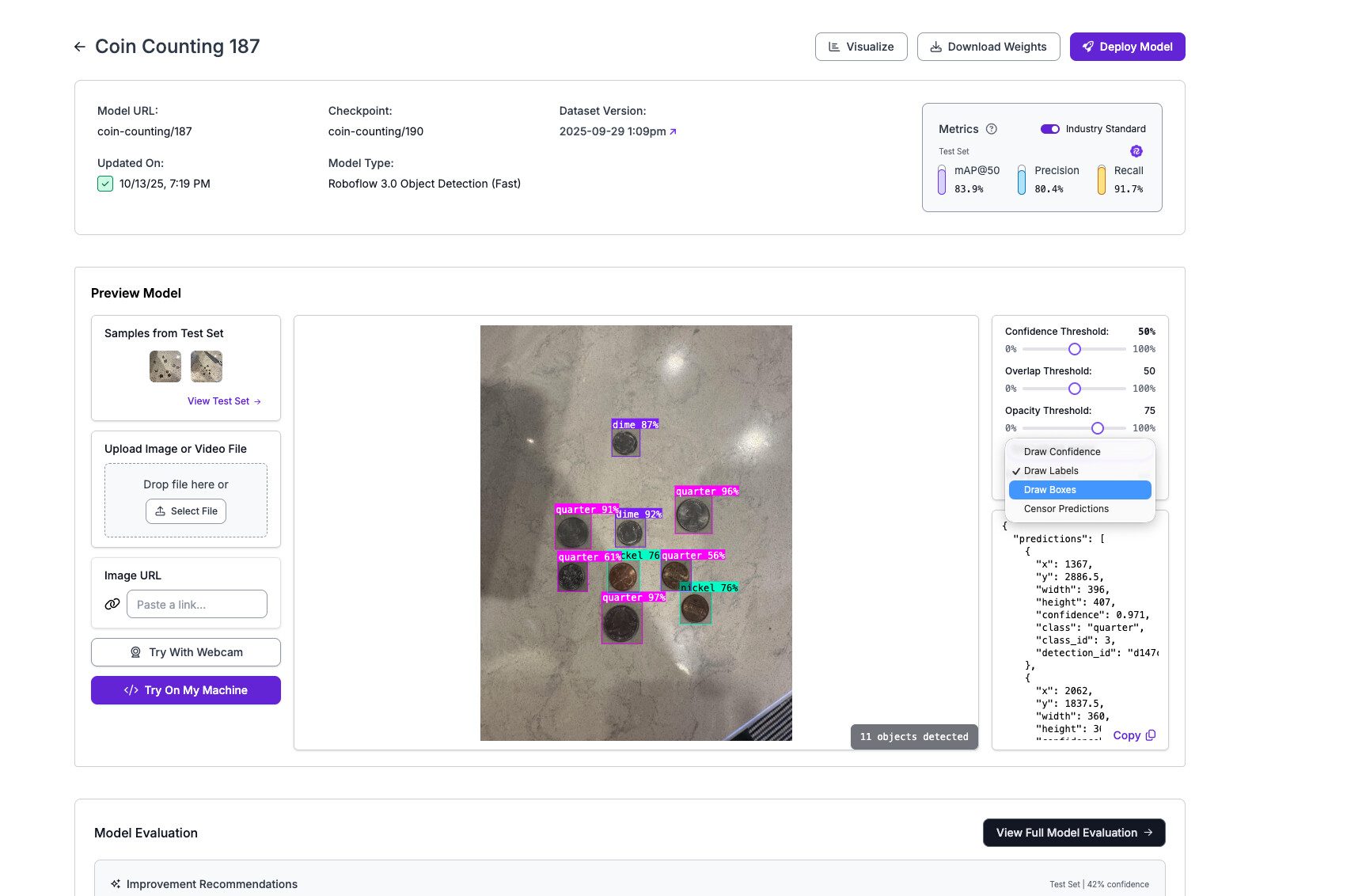
That looks great - is there any way to get this same functionality added to the model view. I only have it in visualize – which works for version models, but not for models deployed to the workspace.